Plex Server
Setting up a Plex Media Server
This is a picture of my Plex Media Server setup:
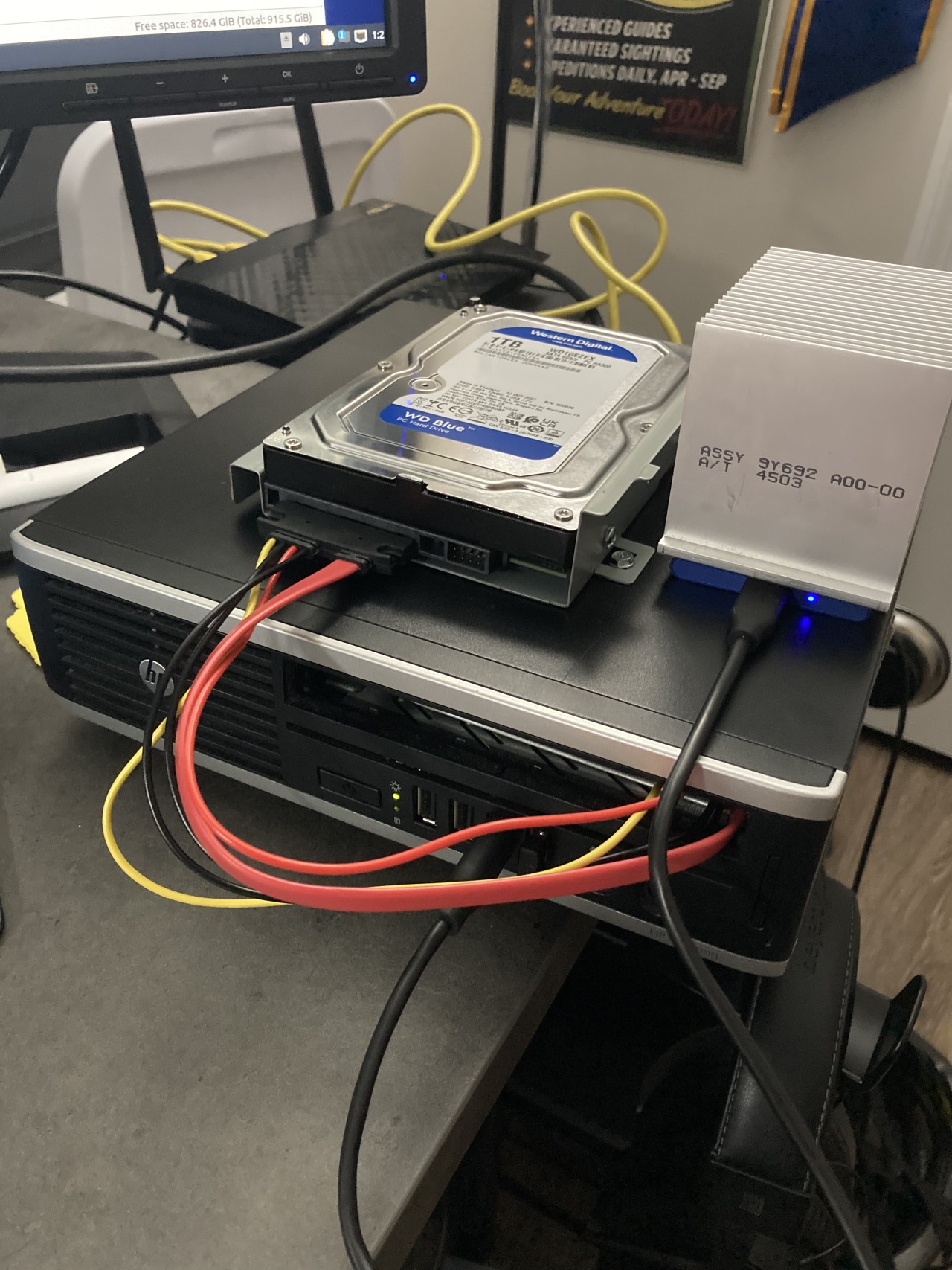
Also notice a cameo from my old router which is repurposed as an ethernet bridge for my desktops.
I updated my motherboard, CPU, and RAM on my gaming computer in 2021, so I had a nice extra mobo and all the stuff on it. I had a spare PSU and the last thing I needed was a place to put it all.
So I got on Facebook marketplace and bought a mid-tower ATX PC case for 20 bucks. Also grabbed a 1 TB WD Blue hard drive at Best Buy since it was on sale.
But! Problem! The case did not fit the ATX motherboard. It was a micro-ATX case. I won’t fault Sarah from Facebook for calling it ATX though, I think that’s something someone who’s not building a lot of computers might miss (names changed to protect the innocent).
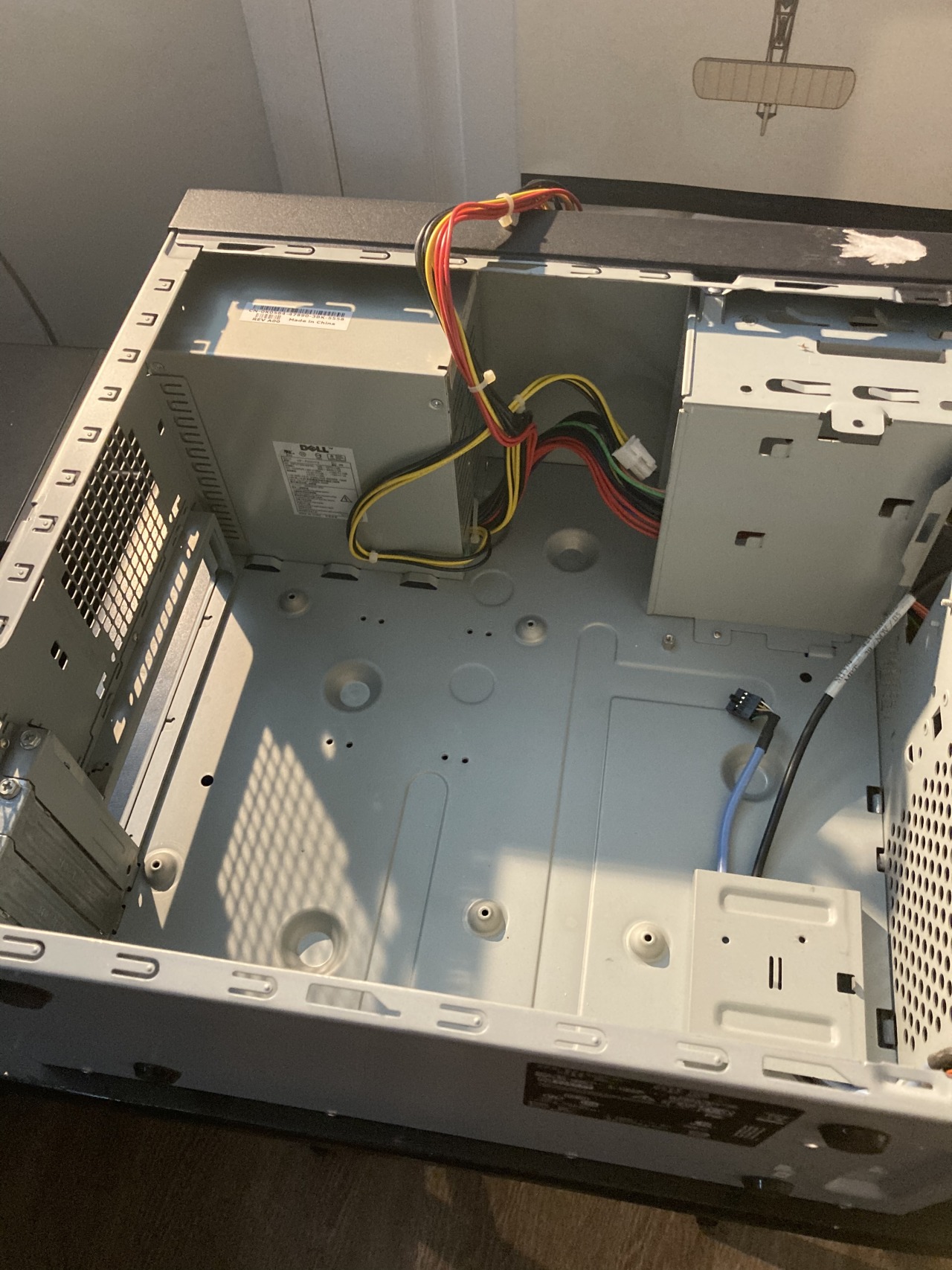
So we’re back to square one. Well, back to square one with a hard drive and a case that doesn’t really work.
So I pulled out a computer I bought on eBay a couple years ago that I had in my cluster. It was an ultra small form factor Dell, so it uses laptop parts.
Problem: I have a 3.5 inch HDD and the Dell only takes 2.5 inch.
Solution: I have a SATA extender cable so I take the 3.5 inch hard drive bracket from the PC tower case I just bought, mount the bracket on the outside of the computer, and run the SATA out through where the optical drive used to be.
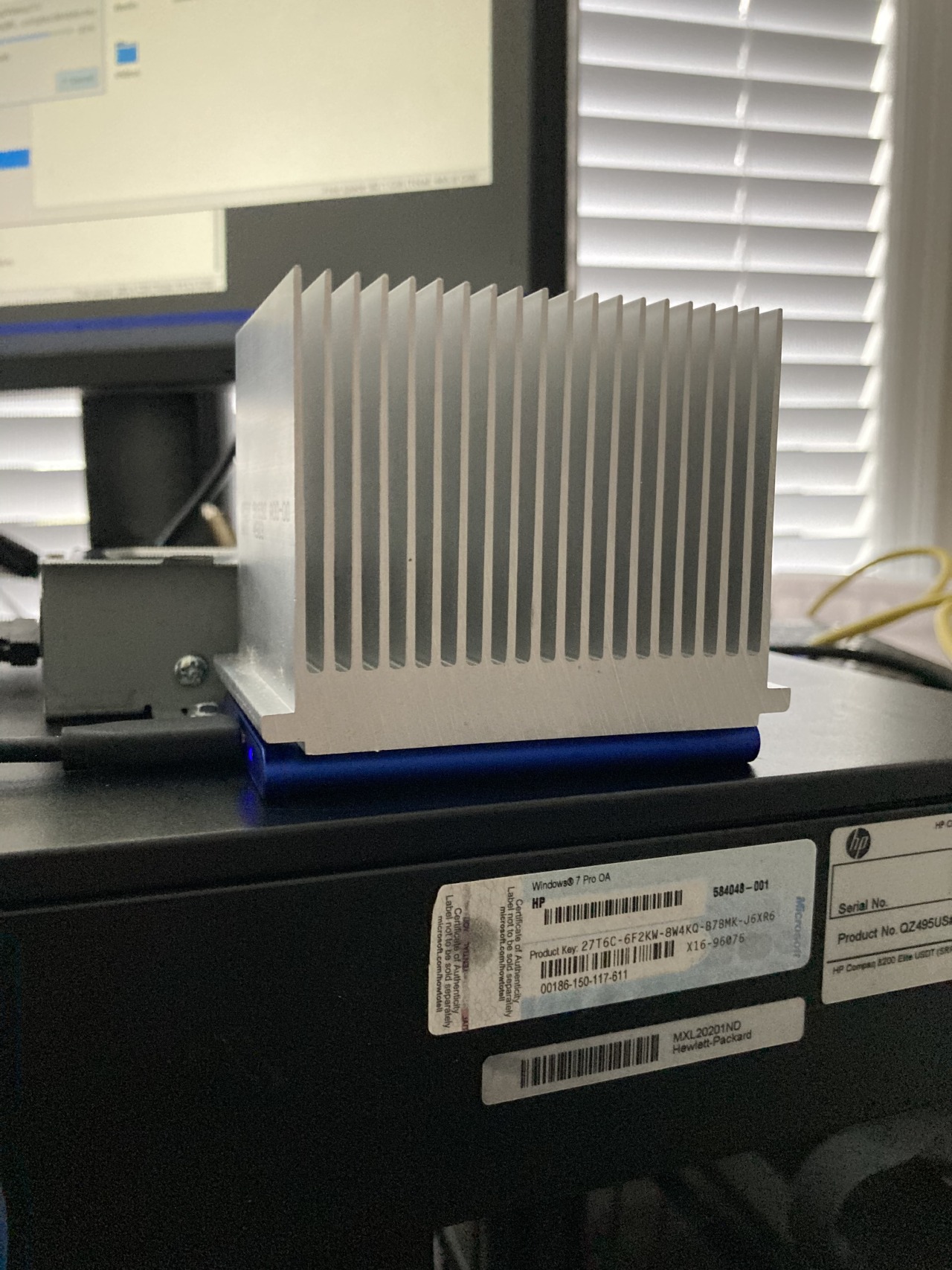
The last thing you might notice is that heat sink. I keep it kicking around for when I make large data transfers from my external SSD; when I am transferring many files, the SSD will get really hot, so when I’m doing that I just set the heat sink on top of the drive and it keeps it nice and cool.
OK, once that was done it was time to install Lubuntu (for a lightweight distro) and set up Plex media server. It was actually pretty easy and mostly automatic, but here’s a tip: if you are working on Ubuntu, download Plex from the Snap store, not directly from the Plex website. I was trying to wrangle group permissions and not getting anywhere, and plex couldn’t see my media, but if you download from snap it automatically has permissions for your home folder. Save some time!
Plex has a really nice web UI that you use to manage it, and I love locally hosted apps. It’s also nice, because I can manage it headless.
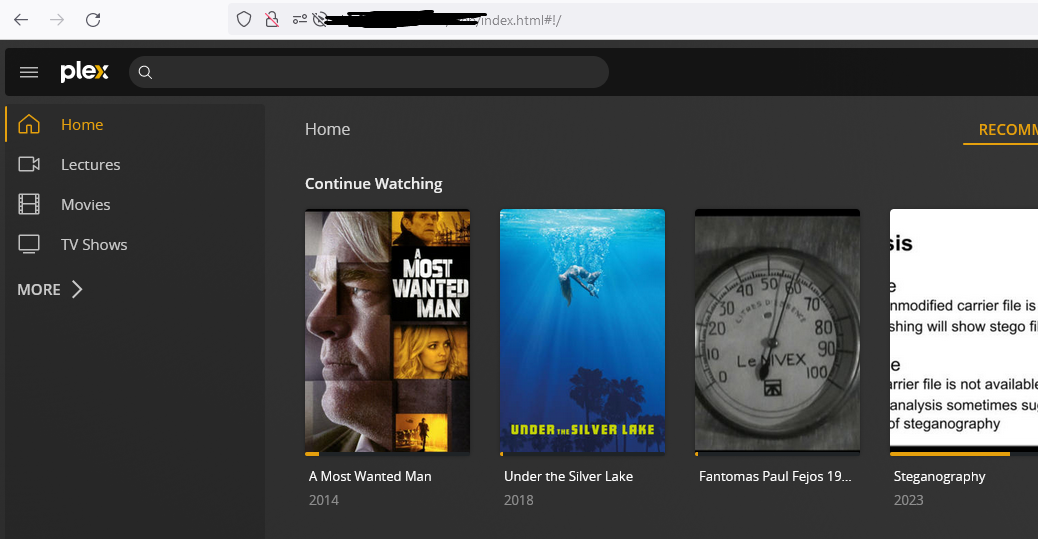
I installed the app on my Roku on my TV and it works very well.
Installing it on my Iphone, well: There’s a really nice little mobile app, but you pay a one-time 5 dollar fee to unlock it for mobile playback. But I do like their product so I don’t mind kicking 5 dollars their way for a nice interface.
However, I also found a workaround: Just go to the regular web UI in your mobile browser and it works fine. They’re just charging for the mobile interface.
Overall really glad!!! Don’t ask me how many computers I have kicking around. :) It’s nice to give something a second life and now I don’t have to hook my laptop up to the TV with a 10 foot HDMI cable.
I think I got spooked when I first heard about Plex because many people care a lot about transcoding and media formats and it seemed like I needed a more powerful computer than I did. But so far I haven’t had any issues, I’m just here to watch my stuff and it’s been great.
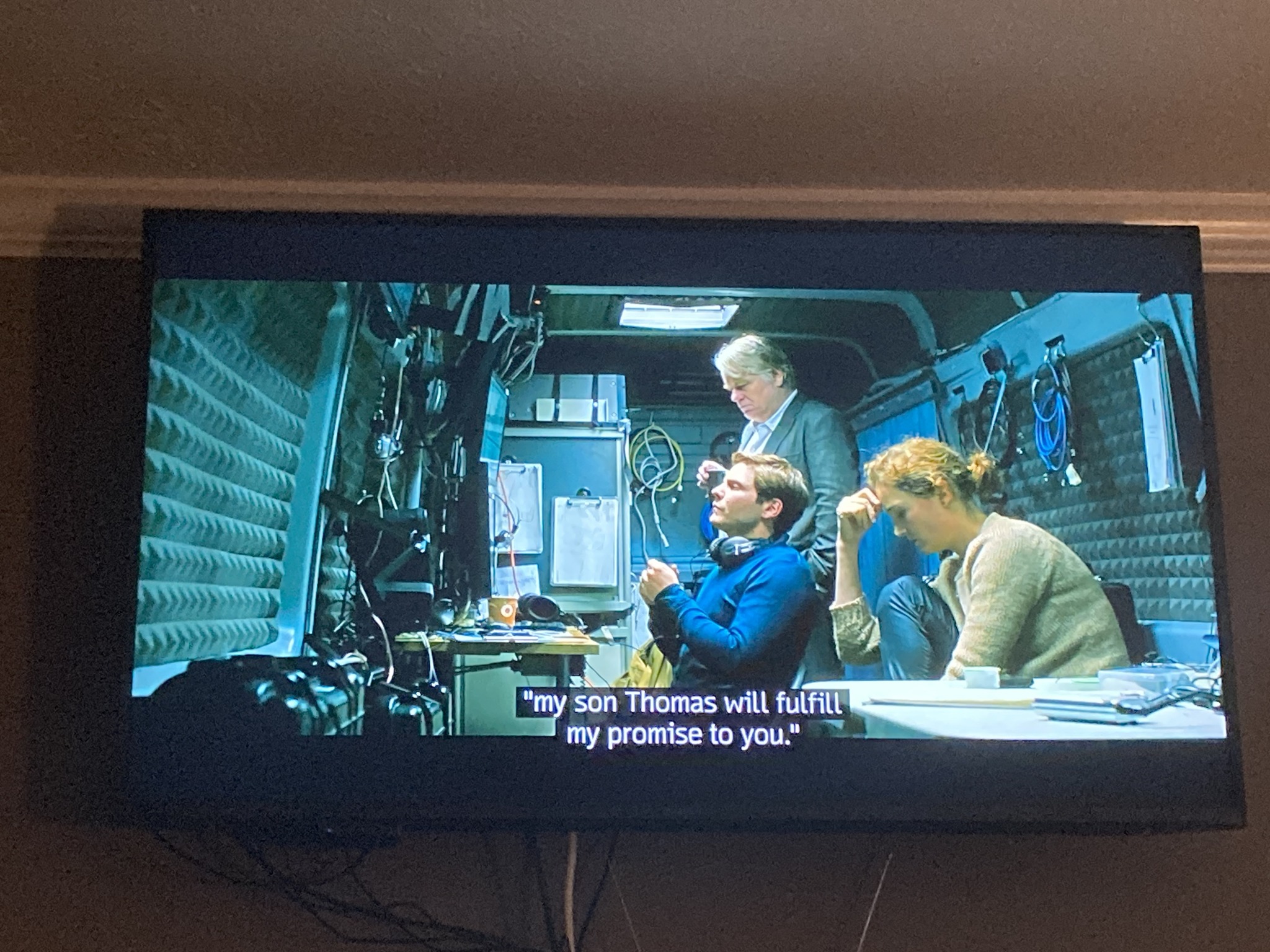
Here I am enjoying the fruits of my labors and watching A Most Wanted Man. The subtitle search feature of Plex is nifty!